
How to Back Up Your Photos So You Never Lose Them
Hard drives fail. Phones get dropped. Without a backup, your photos and memories can disappear in an instant. Here's how to protect them with a few simple steps.

What Is a VPN and Do You Need One?
VPN ads are everywhere, but most explanations are full of technical jargon. Here's a simple breakdown of what a VPN actually does, when it's useful, and when you can skip it.
How to Create Strong Passwords (and Actually Remember Them)
Using the same easy password everywhere is one of the riskiest things you can do online. Here's a practical guide to creating strong passwords — and keeping track of them without losing your mind.
Understanding Windows Updates — Why They Matter
Most people dismiss Windows update notifications — but ignoring them can leave your computer vulnerable. Here's a plain-language explanation of why updates matter and how to stay on top of them.
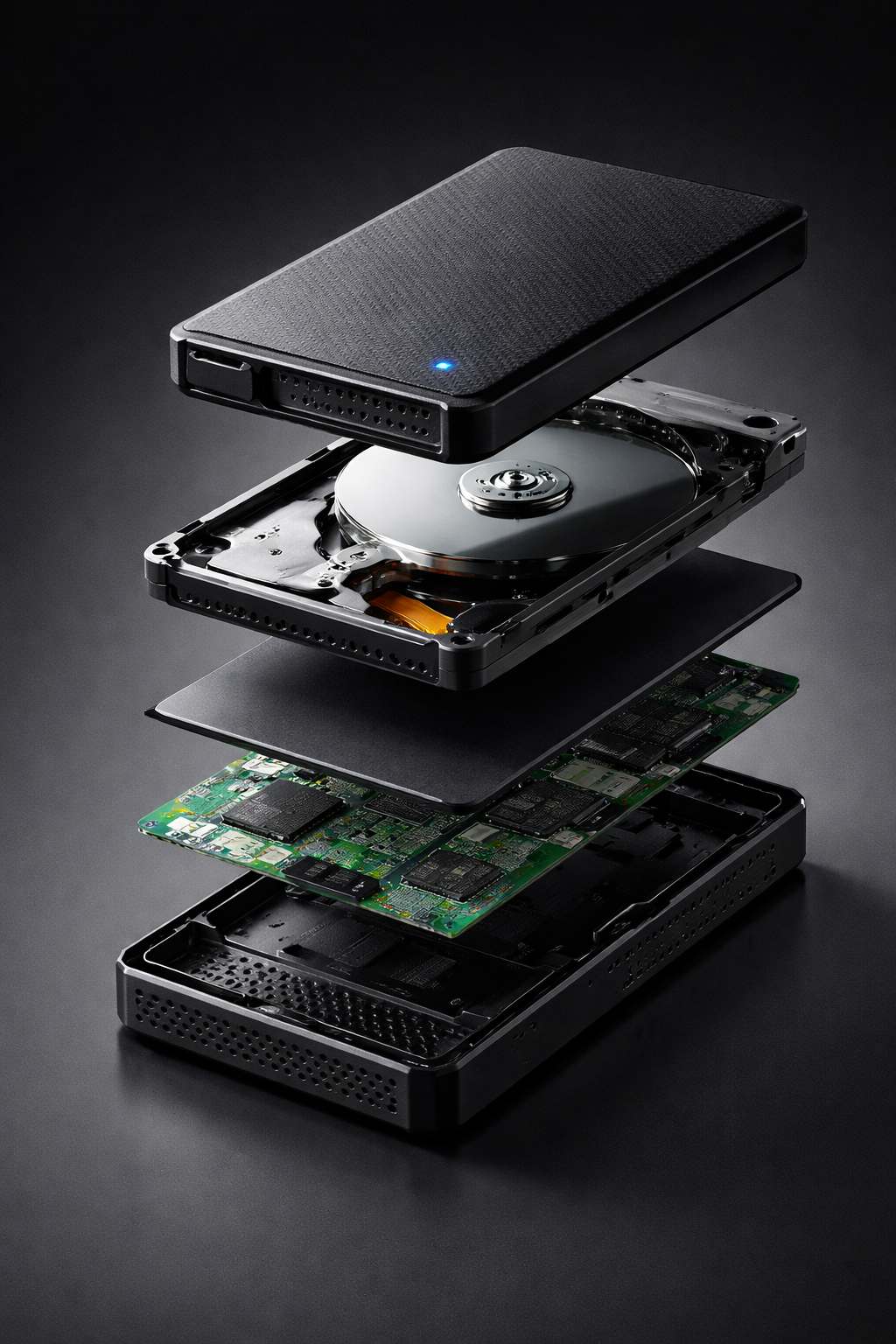
How to Free Up Storage Space on Your PC
When your hard drive fills up, your computer slows down and stops working properly. Here's how to reclaim space quickly — without losing anything you need.
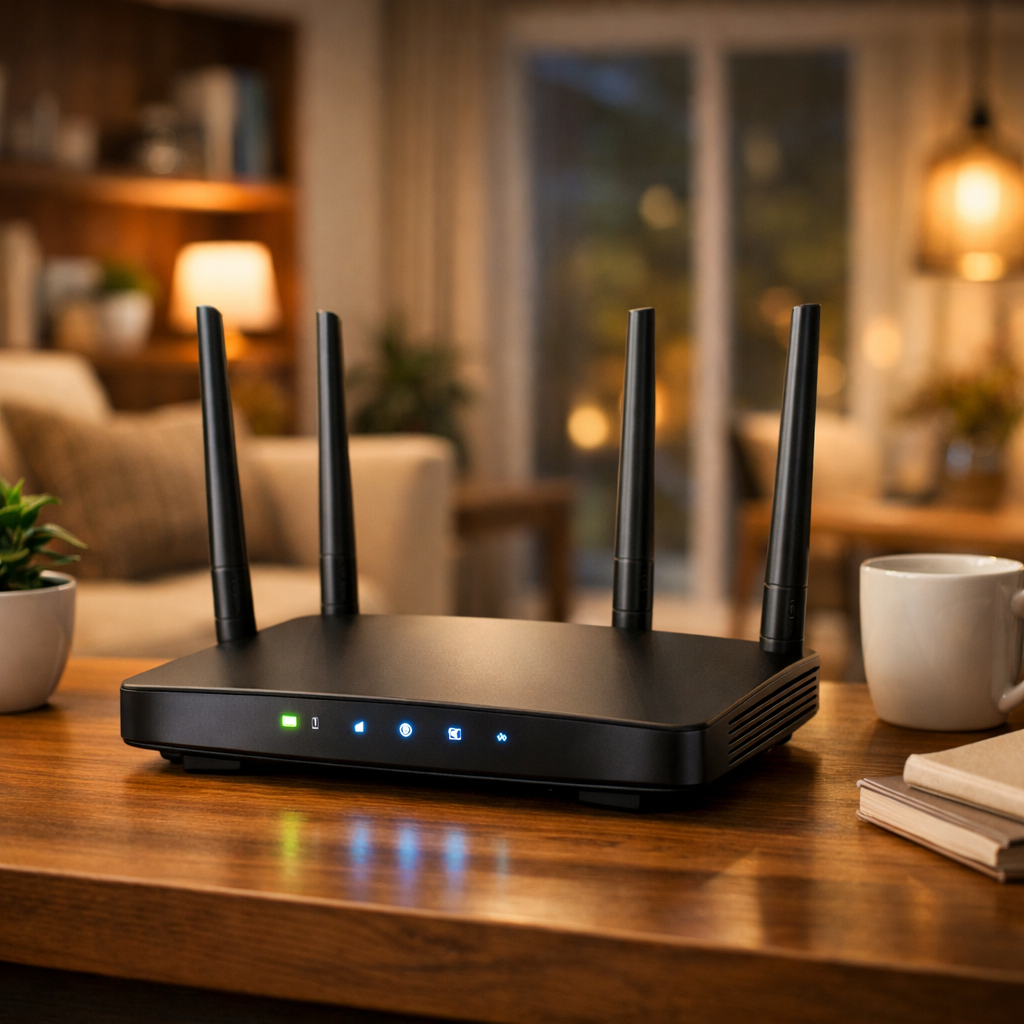
How to Protect Your Home Wi-Fi Network
Most people set up their home Wi-Fi and never think about it again — but an unsecured network is an open door for strangers. Here's how to lock it down in a few easy steps.
What to Do When Your Computer Won't Turn On
A computer that won't start can feel like a disaster, but most of the time it's caused by something simple. Work through these steps before calling for help.
Why Is My Computer So Slow?
A slow computer is frustrating, but the fix is usually simpler than you think. From too many startup programs to a nearly full hard drive, here are the most common culprits — and what you can do about them today, for free.
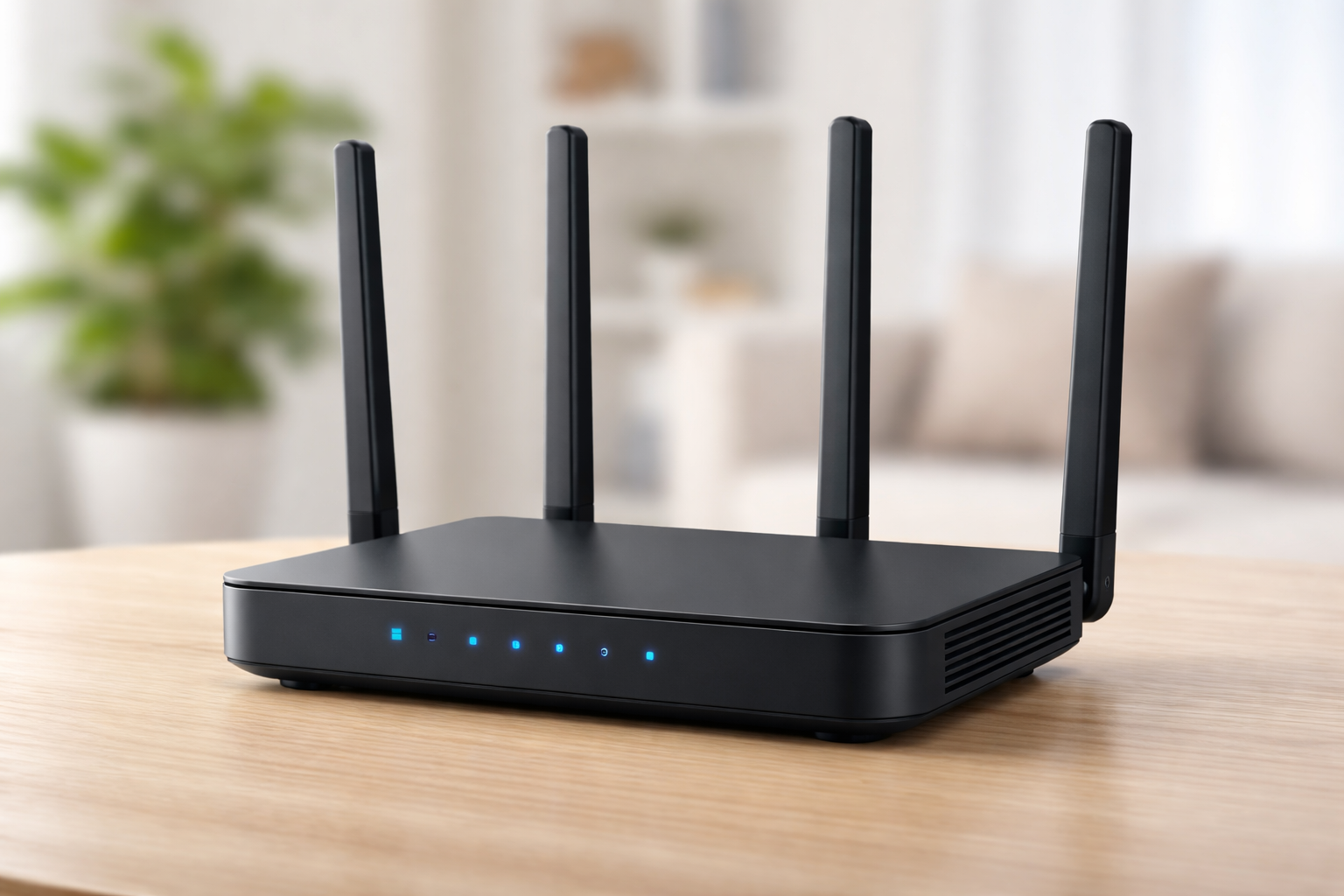
Is Your Home Wi-Fi Actually Secure?
Your router probably shipped with a weak default password — and it's still on. Here's how to lock down your home Wi-Fi in a few simple steps.
Windows vs Apple vs Android
Your operating system affects ease of use, apps, and long-term comfort.
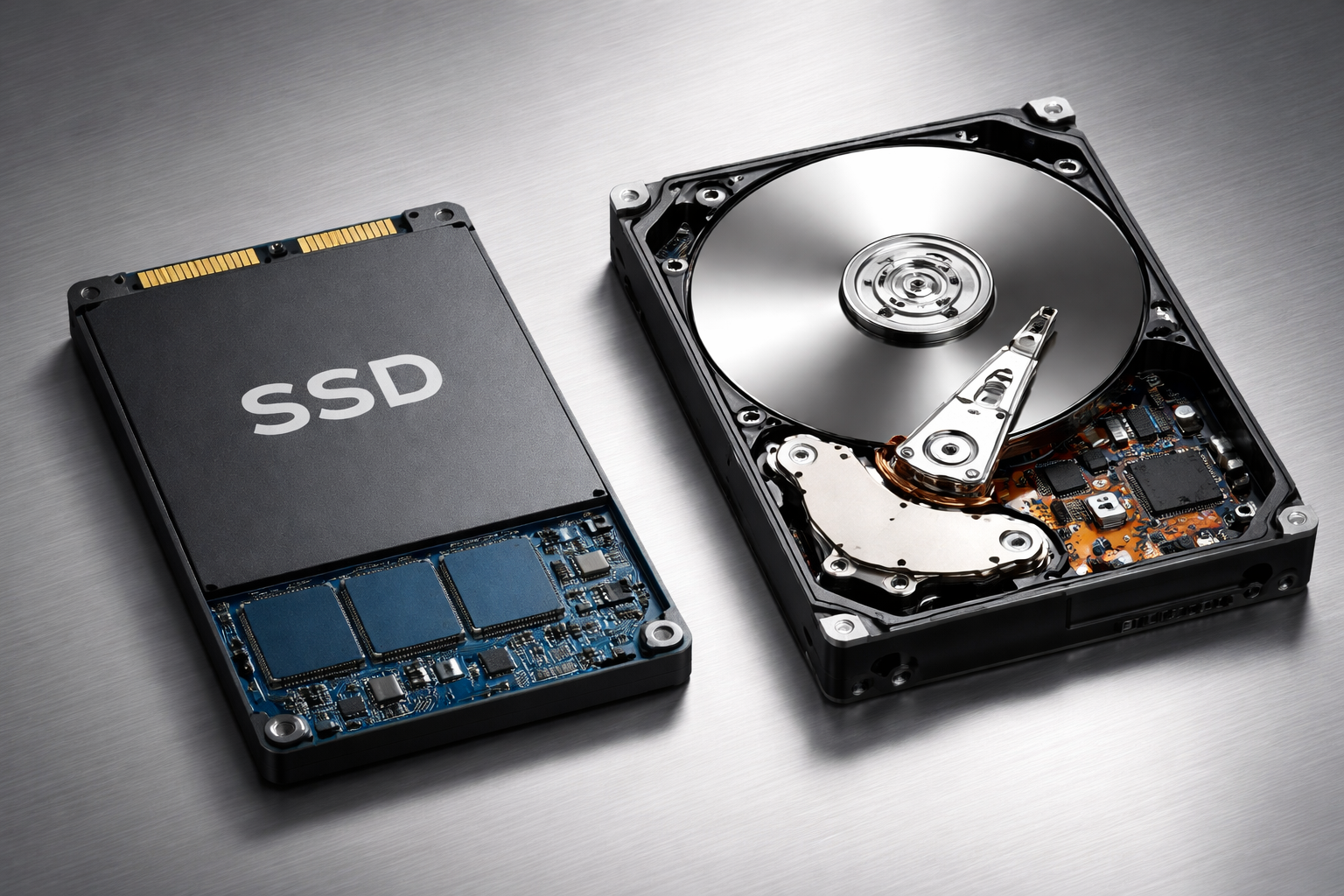
SSD vs Hard Drive
Storage speed affects how fast your computer feels every day. SSDs make a huge difference.
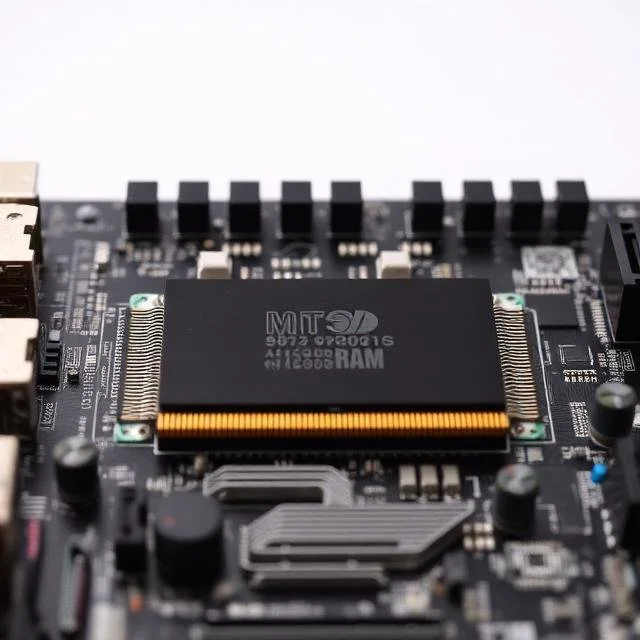
How Much RAM and Processor Do You Need?
More specs aren’t always better. This guide explains what’s enough for real-life home use.
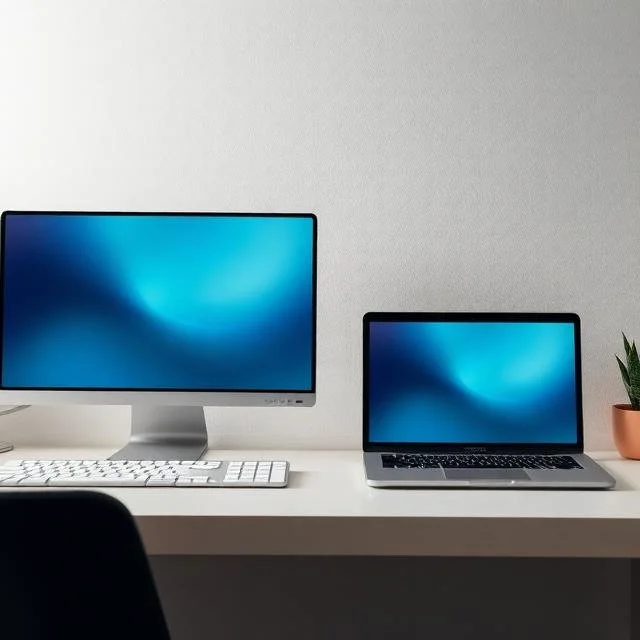
Desktop vs Laptop for Home Office
Working from home? This guide helps you decide between a desktop workstation and a laptop.
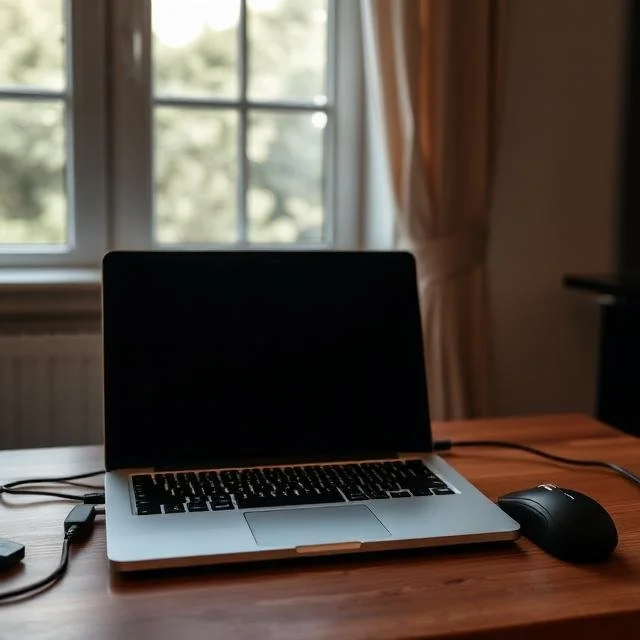
Laptop Buying Guide for Home Users
Buying a laptop doesn’t have to be confusing. This guide explains what truly matters for everyday home use.
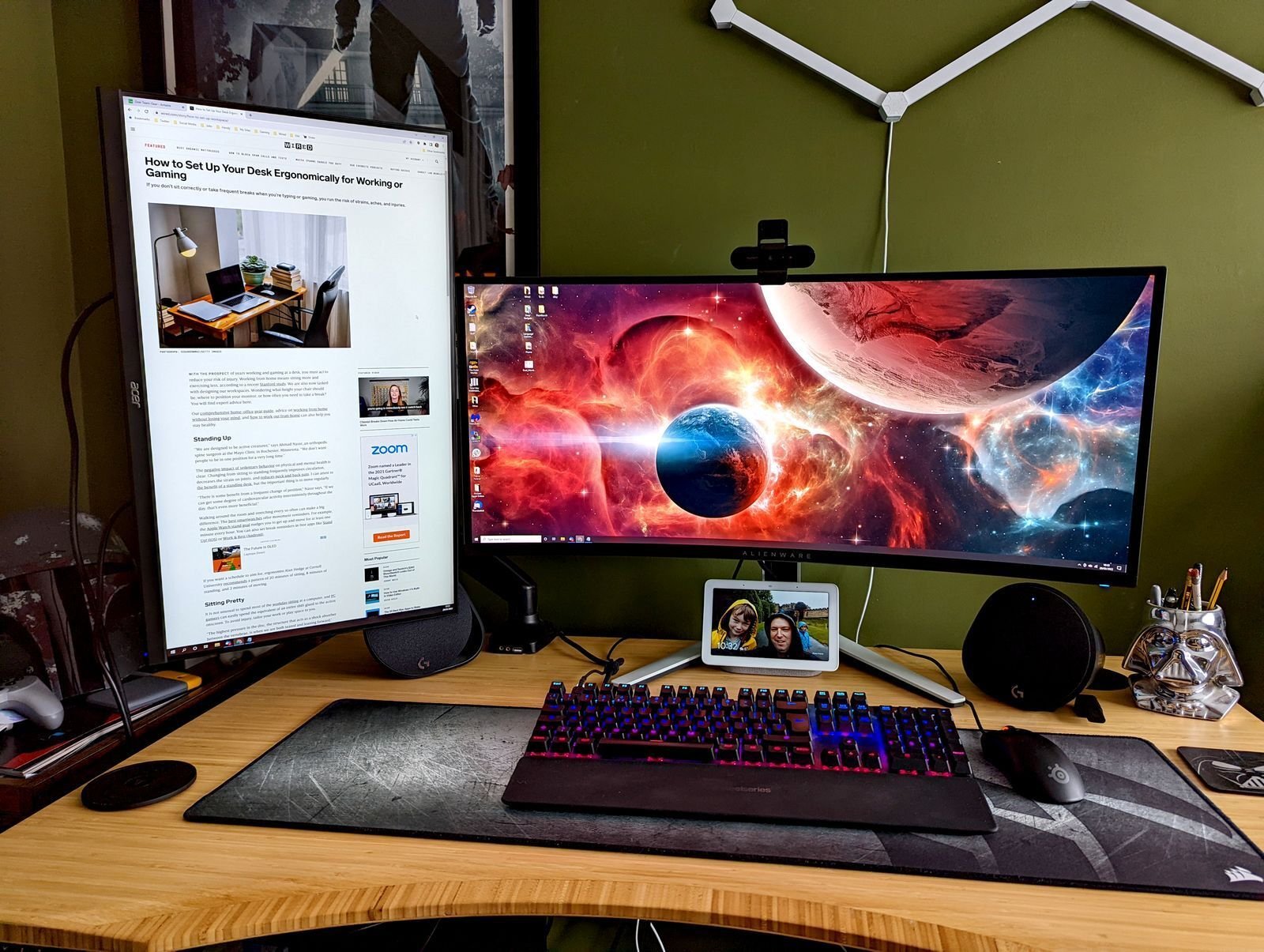
Essential Peripherals (Often Overlooked)
Often overlooked, basic computer peripherals make a big difference in daily comfort and productivity. Learn why the right monitor size, a comfortable keyboard and mouse, and proper speakers or a headset can reduce eye strain, desk clutter, and fatigue—making everyday computer use easier and more enjoyable.
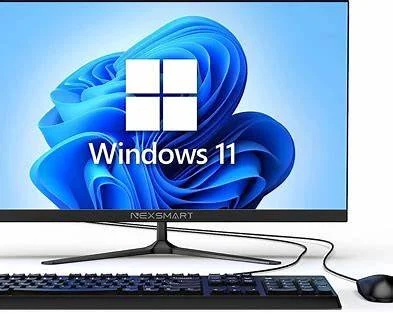
Operating Systems Explained
Not sure which operating system is right for you? This simple, objective guide explains Windows, Apple macOS, and Android in plain language, with clear pros, cons, and real-life examples to help you choose the best option for your needs.
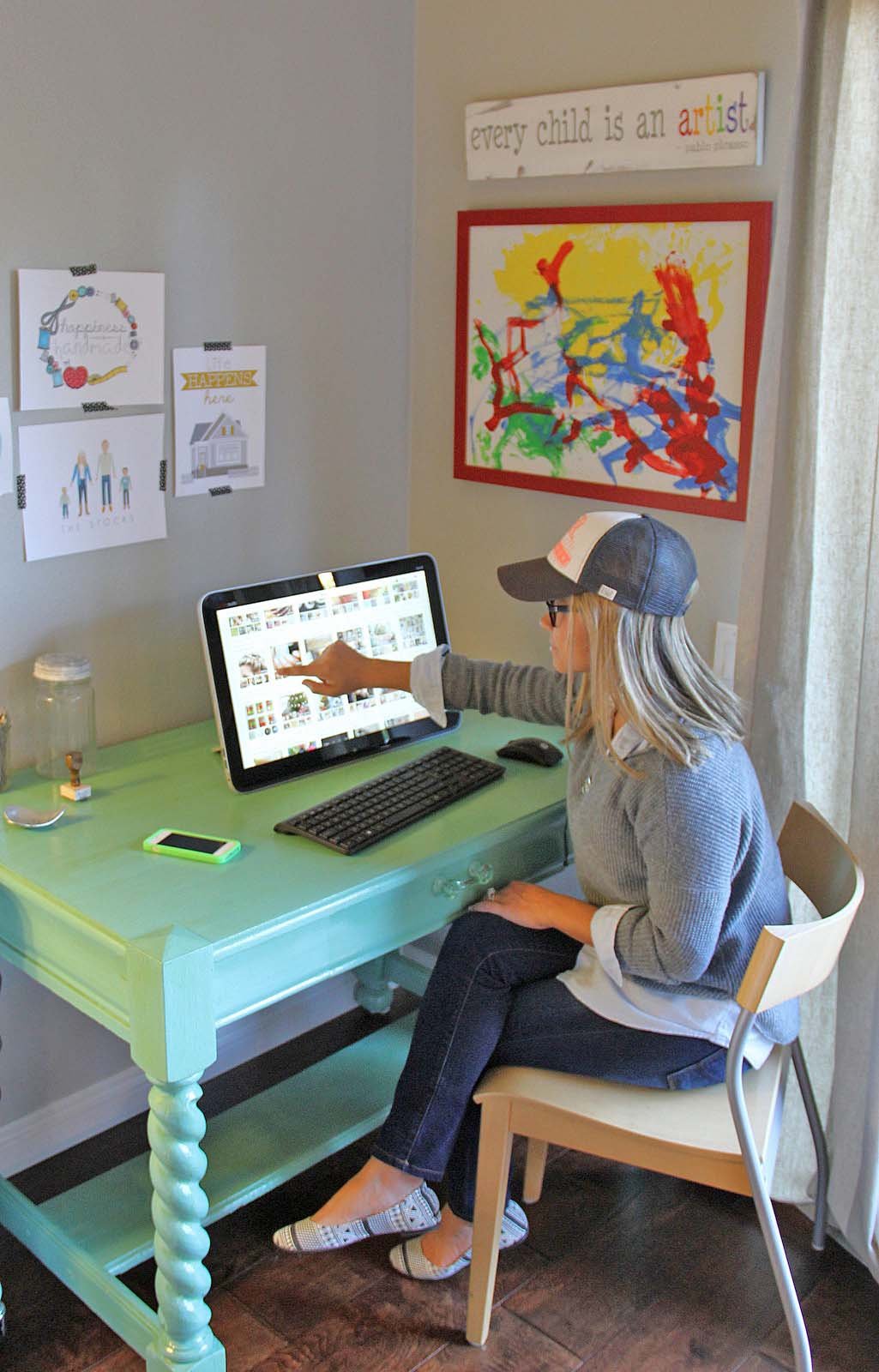
Simple Home Computer Questionnaire
Answer a few easy questions to find the best laptop or desktop for your home needs, with clear recommendations for RAM, processor, and setup.
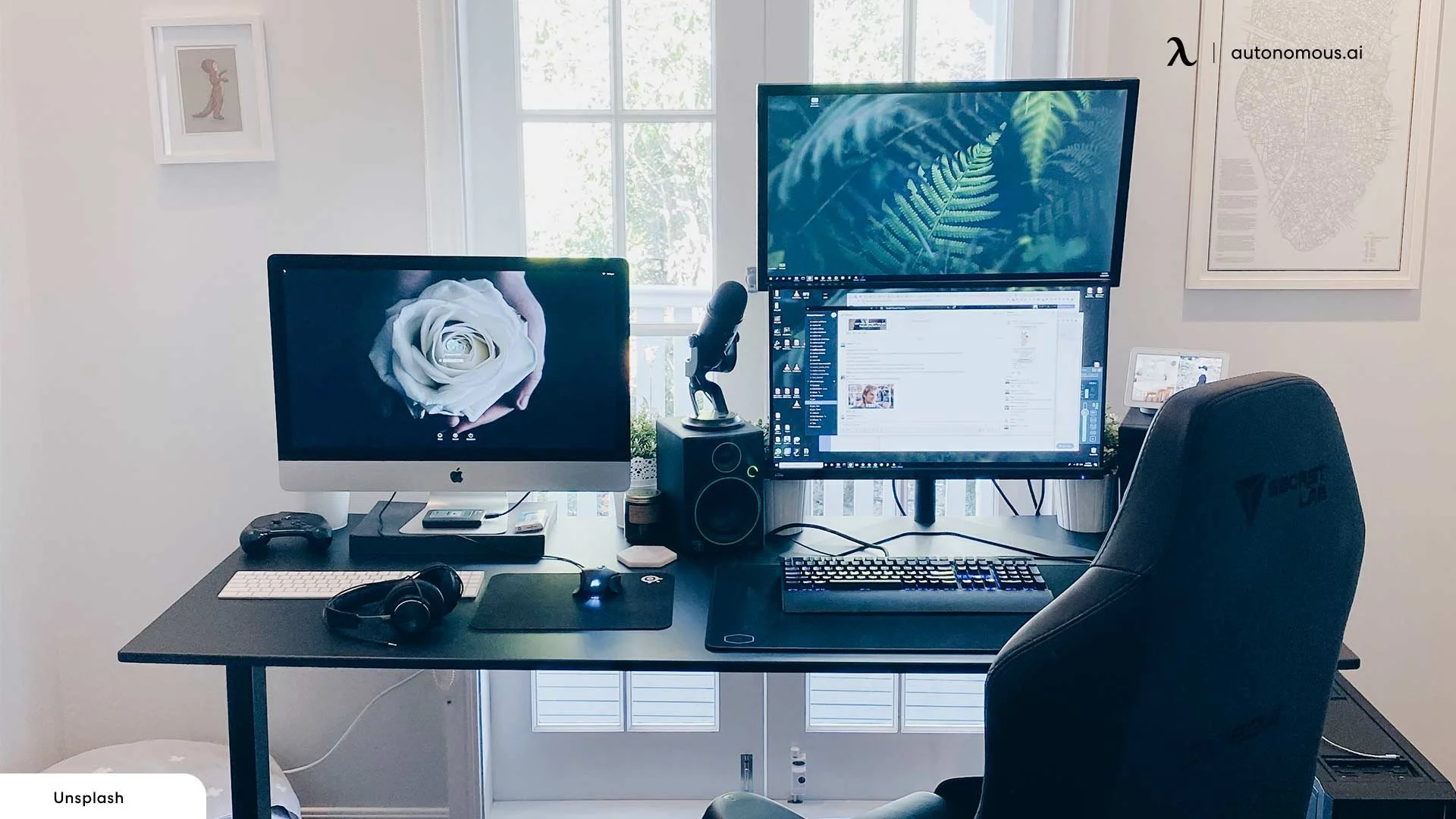
Choosing the Right Computer for Home Use
Choosing a home computer doesn’t have to be confusing. This guide explains laptops vs desktops, ideal specs, operating systems, and accessories in simple language.
Restart vs Shut Down—Which Is Better?
Restarting and shutting down aren’t the same. Learn when to use each and why it matters.

Protecting Seniors From Online Scams
Scammers often target seniors. Learn the warning signs and how to stay safe online.